The developer section.

ddeploy notices Xcode, Docker, Ollama or Hugging Face on your Mac and adds a Developer section on its own. Nobody else ever sees it.

Free to scan · offline · no account · macOS 14+

● Docker31.2 GB
● Xcode27.3 GB
● Ollama48.9 GB
● Hugging Face15.2 GB
● npm / pub / Gradle12.3 GB
● Simulators9.8 GB
38.9 GB freedon the first clean
AI JUNK

Ollama, Hugging Face, Claude, ChatGPT. Measured.

DEV CLEANUP

DerivedData, Docker images, simulators, package caches.

TOOLCHAINS

Python, Rust, Go, JVM, Playwright, SwiftPM.

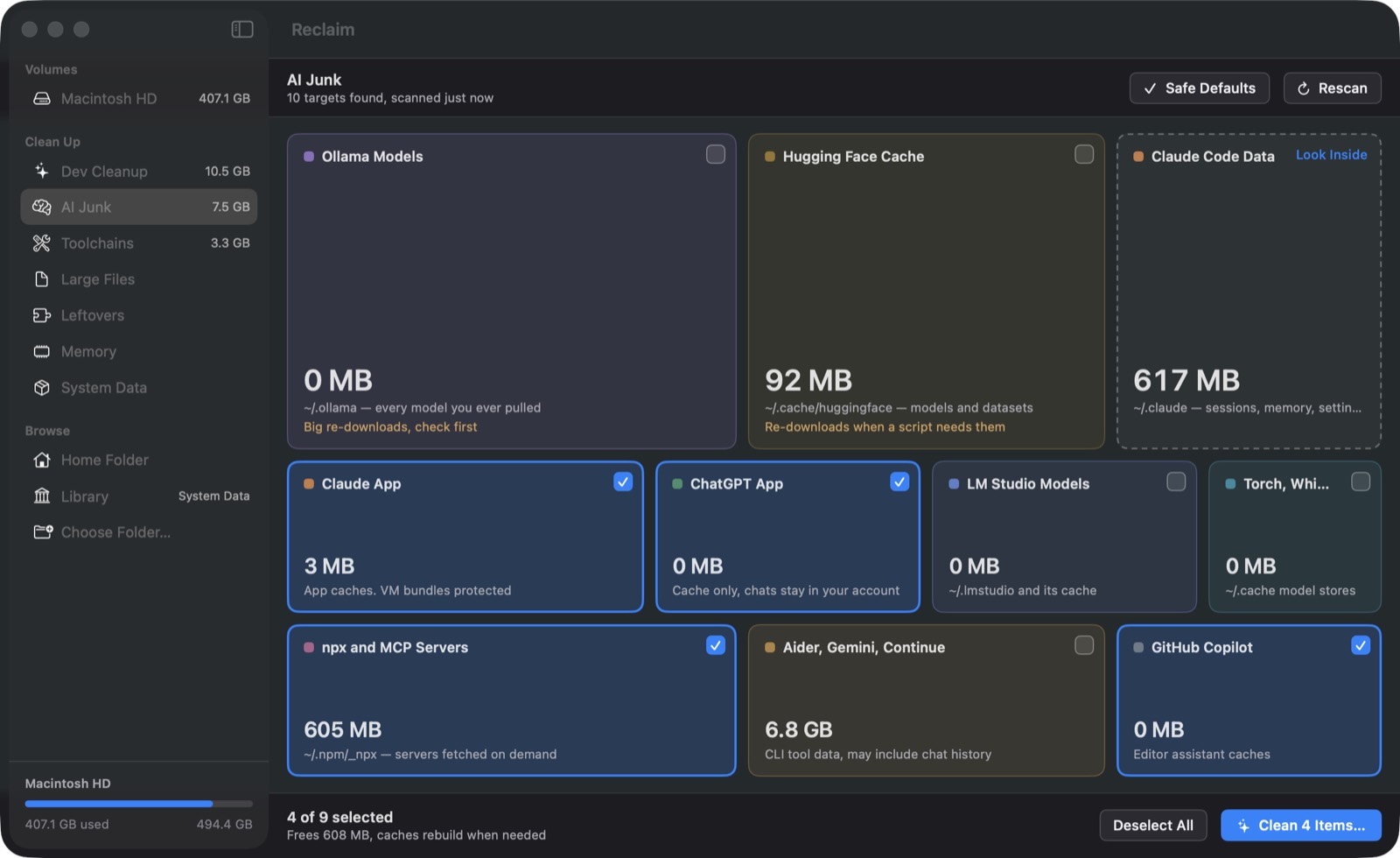
AI models and caches, as boxes

Every model listed one at a time. Delete the 30 GB one you tried once, keep the one you use.

ddeploy's AI Junk screen with Ollama, Hugging Face, Claude and ChatGPT cache boxes

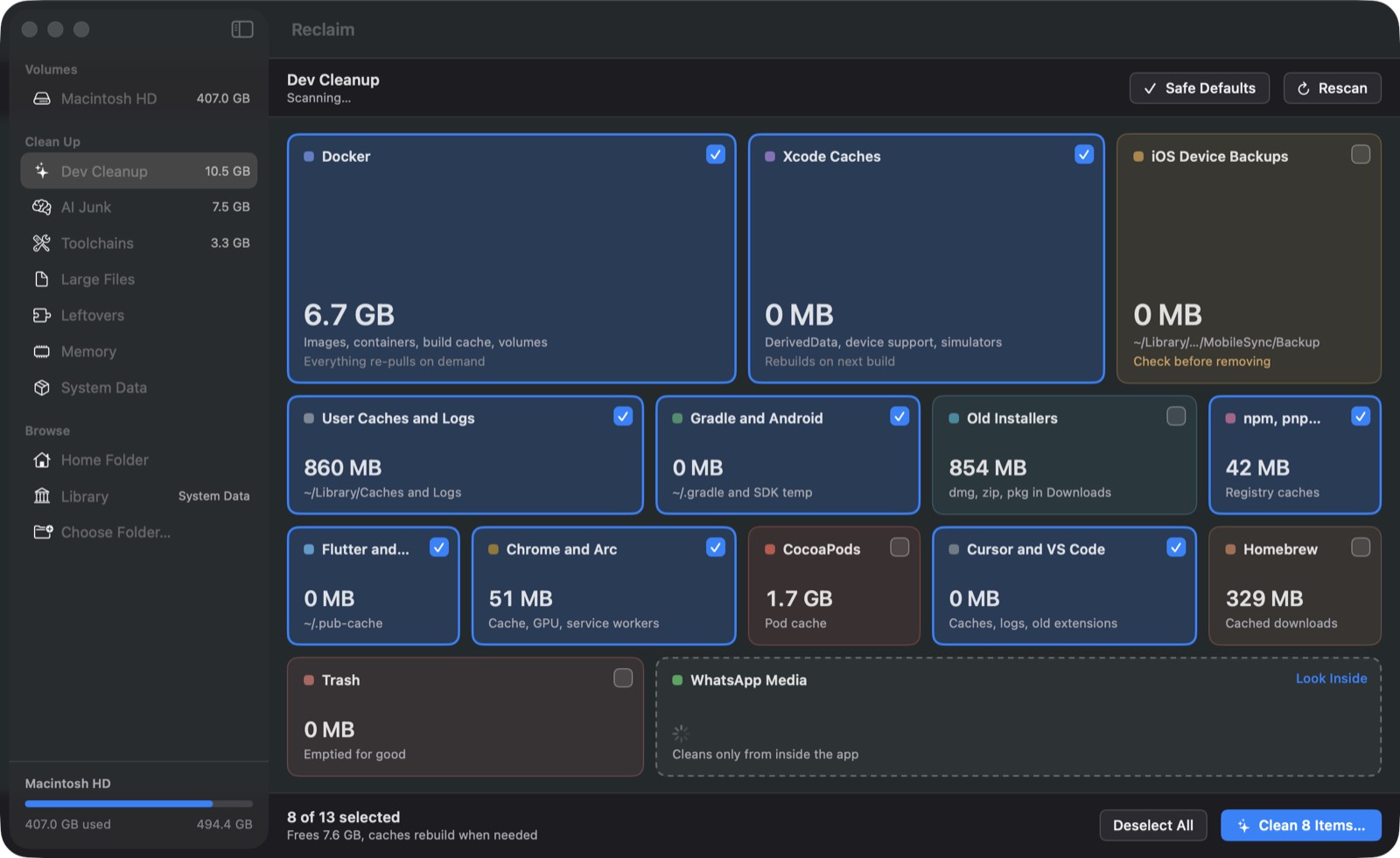
Dev Cleanup

This whole app started as my monthly cleanup script. Same steps, now with sizes and a confirm button.

ddeploy's Dev Cleanup screen with Docker, Xcode, Gradle, pub and npm boxes

What it knows about.

Xcode

DerivedData, archives, device support, old simulators.

Docker

Dangling images, build cache, stopped containers.

Models

Ollama, LM Studio, Hugging Face. One at a time, never the whole library by accident.

AI assistants

Claude and ChatGPT caches. Claude Code memory is advisory only, never deleted.

Package caches

npm, pub, Gradle, CocoaPods, pip, cargo.

Stale badges

60 days idle? The box says so.

Offline, like everything else.

No account, no telemetry, nothing uploaded. Same rules as the rest of the app.

  • Confirmation before anything is deleted
  • Caches removed in place, backups and installers go to the Trash
  • Running containers and open projects are never touched
  • Keep-going semantics: one failed step never stops the rest

Free to look.
Ten bucks to clean forever.

One key, one Mac, no subscription.

Get ddeploy